
In this article
Planning five pages?
If you want the wider picture first, start with our web design and development guide, which covers the full process from planning to launch. This article goes deep on one question from that guide: which platform should your website be built on?
Quick answer: which platform fits which business?
If you only have two minutes, this is the short version:
- WordPress suits content-led businesses that publish often, need many landing pages, or want full ownership of their site. Think law firms, clinics, real estate agencies, schools, agencies and service businesses.
- WooCommerce suits businesses that already run (or want) a WordPress site and need to sell online with full control over checkout, product rules and hosting.
- Shopify suits product brands that want to start selling quickly, with hosting, security and payments handled for them.
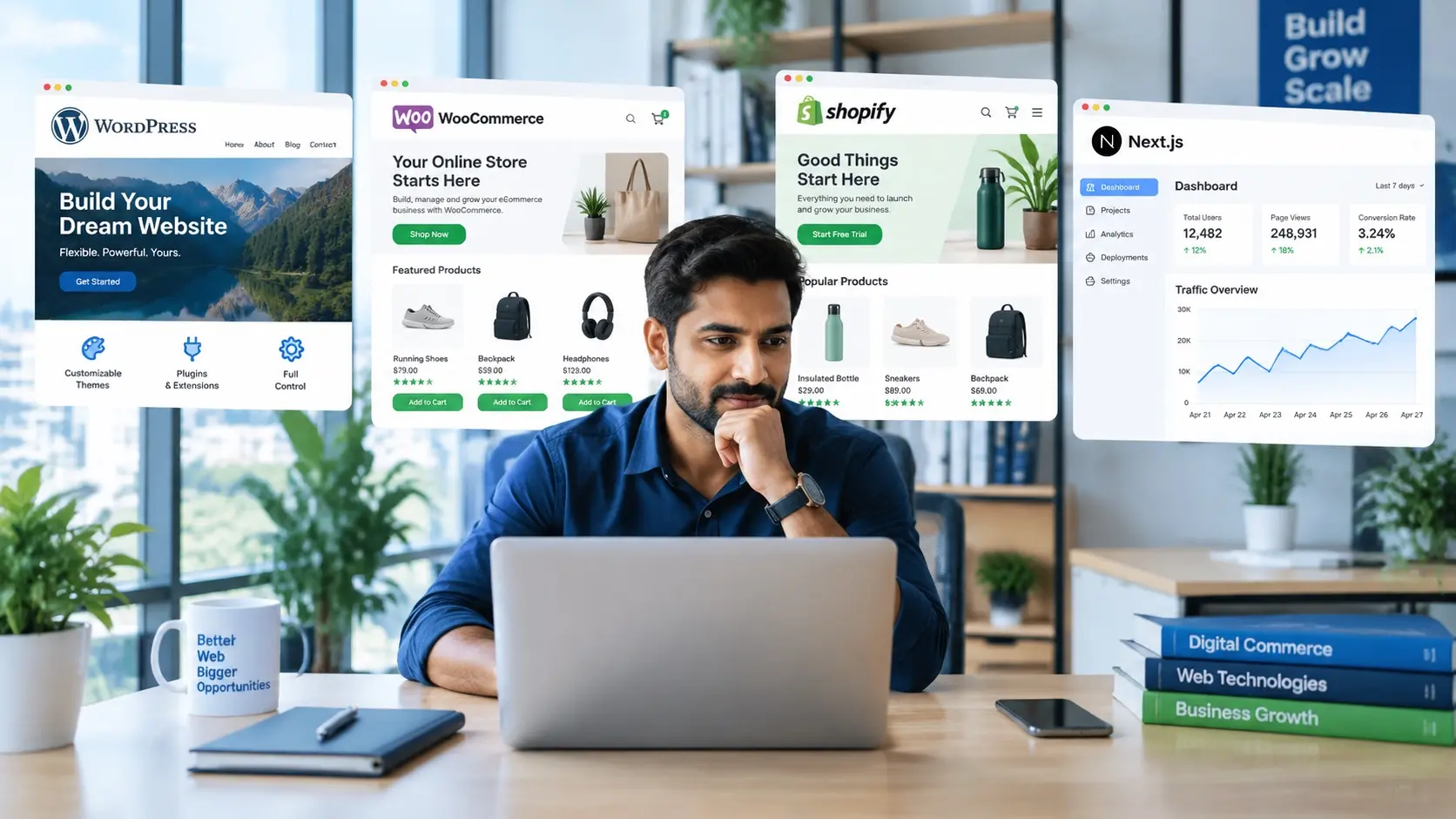
- React/Next.js suits startups, SaaS products, directories, marketplaces and high-traffic sites that need custom features, app-like speed and room to scale.
Why your platform choice matters more than your design
A beautiful design on the wrong platform still costs you money. Many businesses pick a platform on a friend’s advice, then hit a wall a year later.
The platform shapes five things that matter to the business:
- Speed to launch. Some platforms let you go live in days; custom builds take weeks.
- Running costs. Subscriptions, apps, plugins, hosting and maintenance add up over the years.
- Search visibility. How pages are rendered, how fast they load and how much control you have over metadata all affect rankings.
- Ease of editing. Your marketing team needs to publish without waiting on developers.
- Room to grow. New markets, languages, integrations and features should not require starting over.
WordPress: the flexible, content-first choice
WordPress is the most widely used content management system on the web. According to W3Techs’ WordPress usage statistics, it powered 57.5% of websites with a known CMS and 38.5% of all websites in the November 2026 snapshot cited in this document (these figures change over time). That reach means a huge pool of themes, plugins, developers and documentation.
Where WordPress works best
WordPress shines when content drives your growth. If you publish blog posts, case studies, location pages or service pages every month, the editor and plugin ecosystem make that easy. It is also self-hosted software, so you own your files and data and can move hosts whenever you like. The official WordPress documentation is a good place to see how much the core platform can do before you add any plugins.
Our WordPress development services cover custom themes, page-builder sites, migrations and WooCommerce stores. Many of our builds use Elementor so that clients can edit pages visually; we explain the pros and cons in our article on getting the most from the Elementor page builder. Our Basic package delivery is: Up to 5 page website ready in 1 week. Content readiness and approvals affect the final schedule.
Where WordPress needs care
Flexibility comes with responsibility. Every plugin you add is code you have to keep updated, and a poorly maintained WordPress site is a common target for attackers. WordPress publishes its own guide to hardening WordPress, and we have summarised the essentials for business owners in 7 proven WordPress security practices.
Performance is the other watch-out. Heavy themes and too many plugins slow pages down, which hurts both conversions and rankings. A good build keeps the plugin list short, and an ongoing website maintenance plan keeps core, themes and plugins patched after launch.
WooCommerce: full-control e-commerce on WordPress
The timelines and prices above are Stack Decode’s typical ranges. Timelines and costs depend on scope, so treat these figures as general guidance rather than a fixed quote. The Basic plan is a recurring subscription, not a one-time build fee; custom project scope and ongoing costs are confirmed separately. Compare total costs as well as the initial payment.
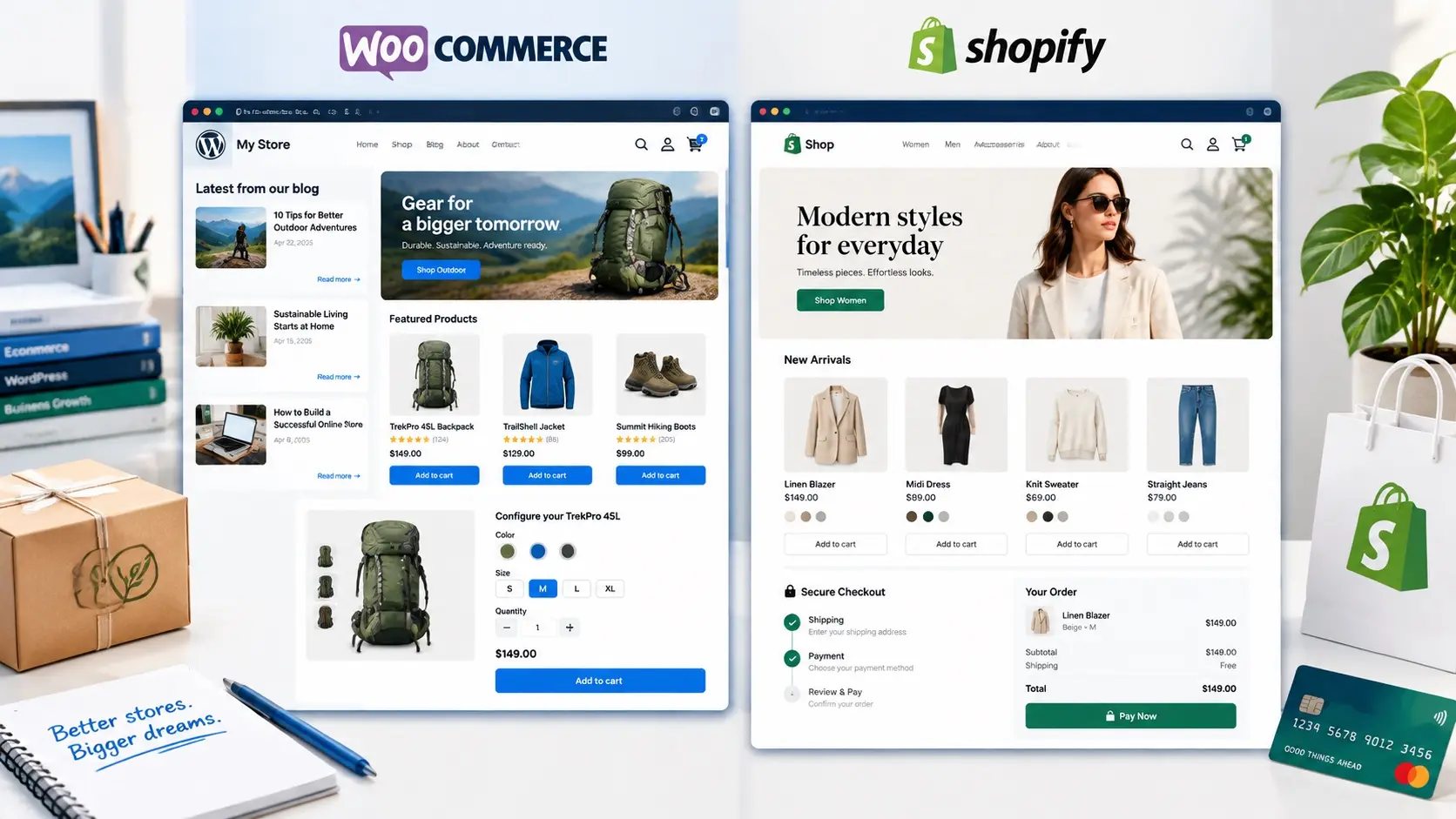
Compare control and content needs alongside the convenience of a hosted store.
WooCommerce is a free, open-source plugin that turns a WordPress site into an online store. Because it runs on WordPress, your products, blog and service pages all live in one dashboard, on hosting you control.
Where WooCommerce works best
WooCommerce is a strong fit when:
- You already have a WordPress site with traffic and don’t want to split your brand across two platforms.
- Your products need unusual rules: bookings, custom configurators, B2B pricing, wholesale tiers or membership access.
- You want to avoid a platform’s transaction fees and choose your own payment gateways.
- Content marketing is central to how you sell, so blog posts and product pages need to work closely together.
The WooCommerce documentation shows the range of extensions available for shipping, tax, subscriptions and payments. We build WooCommerce stores as part of our WordPress development service. Our Growth package delivery is: Up to 25 page website ready in 15 days; custom stores and integrations need a separately agreed schedule.
Where WooCommerce needs care
You are responsible for hosting, security, backups and updates. Payment data and customer details also bring legal obligations, which we cover in the compliance section below.
Shopify: the fastest route to selling online
Shopify is a hosted e-commerce platform. You pay a monthly subscription, and Shopify handles servers, security patches, checkout and uptime. The Shopify Help Center documents everything from setting up products to managing taxes and shipping.
Where Shopify works best
Shopify is often the right call for product brands that want to launch quickly and spend their time on marketing instead of server maintenance.
Our Shopify development services include custom themes, store setup, migrations, app integration and catalogue clean-up. A good example is our Edit Cosmetics Shopify project, where we handled theme updates, app setup and the full product catalogue.
Where Shopify needs care
The convenience has trade-offs. You pay a monthly plan (see Shopify’s current pricing), most stores add paid apps on top, and some features depend on the plan you are on. You also have less control over URL structures and checkout logic than with a self-hosted store.
For brands that outgrow standard themes, Shopify supports headless commerce, where Shopify runs the products and checkout while a custom front end (often React or Next.js) handles the shopping experience.
WooCommerce vs Shopify: how to decide
This is the most common question we get from e-commerce clients, so here is a side-by-side view:
WooCommerce vs Shopify: platform responsibilities and trade-offs
Factor
WooCommerce
Shopify
Hosting
You choose and manage it
Monthly cost
Hosting + paid extensions
Setup speed
Fast with an experienced team
Customisation
Almost unlimited
Content and blogging
Excellent (it’s WordPress)
Maintenance
Best for
Our e-commerce web design page goes into more detail on store structure, product pages and checkout design for both platforms.
React and Next.js: custom builds for speed and scale
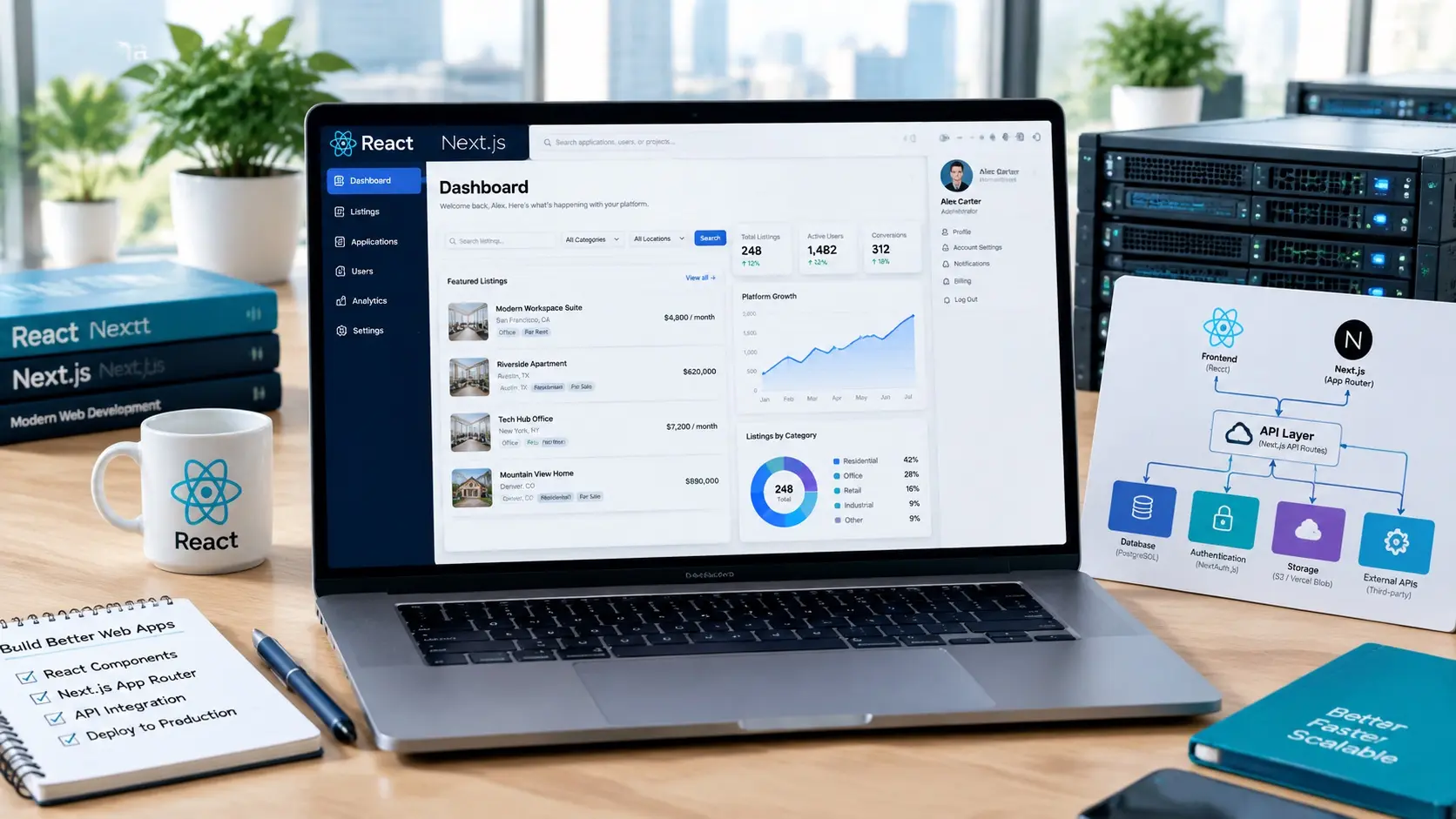
Custom application features call for a different foundation from a simple brochure website.
React is a JavaScript library for building user interfaces, and Next.js is a framework built on React that adds routing, server rendering, image optimisation and more. The React team itself recommends starting new React apps with a framework such as Next.js rather than building everything from scratch.
Where React/Next.js works best
- Startups and SaaS that need dashboards, logins, user accounts or integrations.
- Directories and marketplaces with thousands of searchable, filterable listings.
- High-traffic sites where every millisecond of load time affects revenue.
- Headless setups that pull content from a CMS or products from Shopify.
The Next.js documentation explains how pages can be rendered on the server, generated ahead of time or cached, which is a large part of why well-built Next.js sites load so quickly. Built-in tools for metadata and Open Graph images also give developers fine control over how pages appear in search results and social shares.
Our React and Next.js development services cover marketing sites, web apps and headless builds, and our Node.js development team builds the APIs and back ends behind them. For WingPubs, we built a restaurant directory website with Next.js and Node.js.
Where React/Next.js needs care
We compare the two most common options in detail in Next.js vs WordPress: which platform is best for your business. If your main goal is an app-like experience on mobile, it is also worth reading why Progressive Web Apps are a smart business investment, since Next.js is a common foundation for PWAs.
Other platforms worth knowing
WordPress, WooCommerce, Shopify and Next.js cover most business needs, but they are not the only options:
- Squarespace suits creatives, coaches and personal brands who want an elegant site they can manage alone. We used it for the Conscious Creativity wellness coach website and the portfolio of actress and screenwriter Katharine McEwan. Learn more about our Squarespace development services.
- Unbounce suits paid-ad campaigns that need fast, testable landing pages. See our Unbounce development services and our wider work on landing pages built for lead generation.
- Static sites suit very small businesses that need a fast, low-maintenance online presence. Our breakdown of static website costs in India explains when a simple 5-page site is enough.
How each platform affects SEO and performance
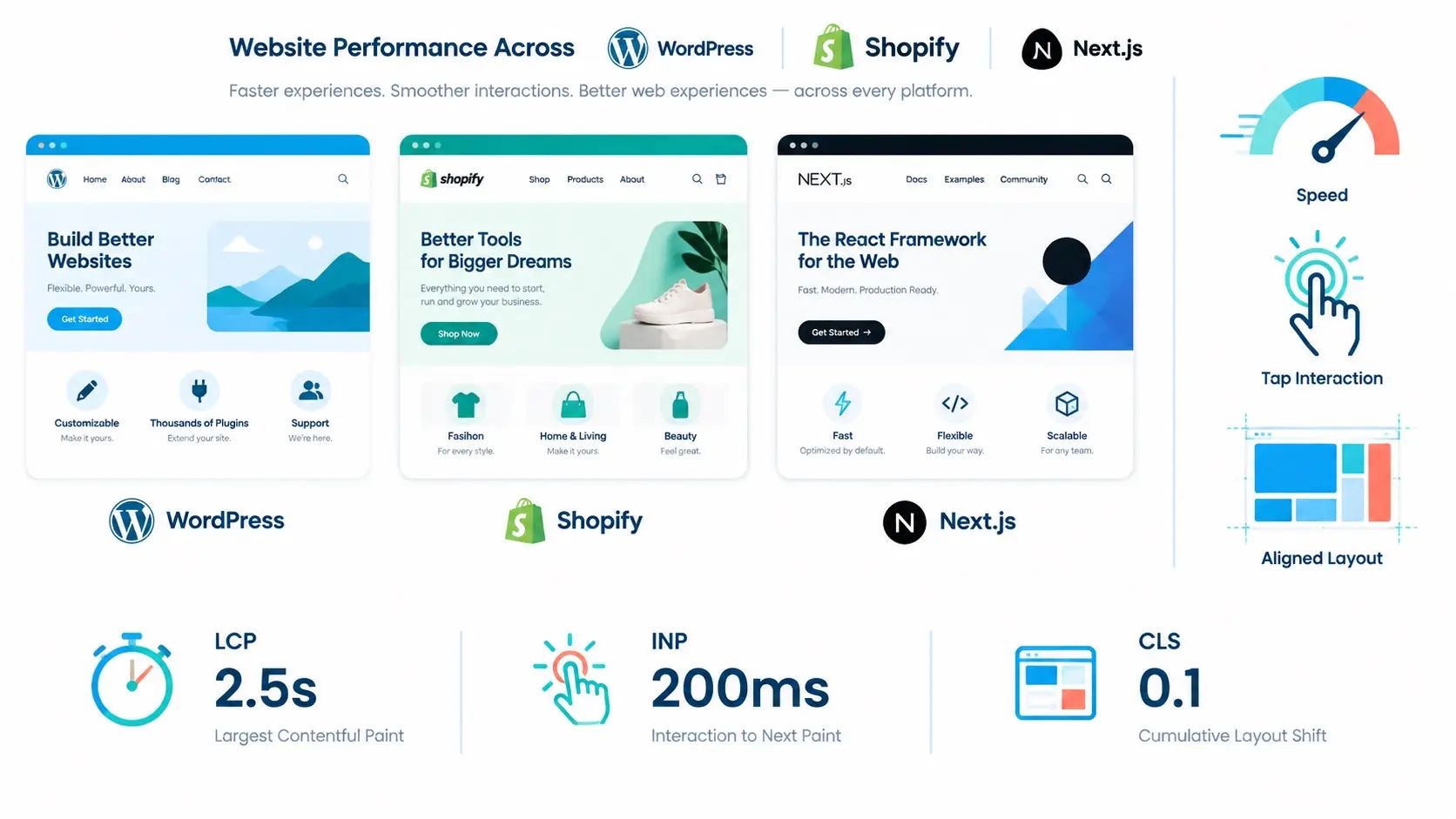
Loading, responsiveness and visual stability matter on every platform.
- Page experience. Google measures real-world loading, responsiveness and visual stability through Core Web Vitals. It recommends a Largest Contentful Paint within 2.5 seconds, an Interaction to Next Paint under 200 milliseconds and a Cumulative Layout Shift below 0.1. You can test any page for free with Google PageSpeed Insights.
- JavaScript rendering. Sites that build pages in the browser with JavaScript need care so search engines see the full content. Google explains this in its JavaScript SEO basics. Next.js avoids most of these problems with server rendering and static generation, which is one reason we use it over a plain React single-page app for public websites.
- Control over technical SEO. WordPress (with an SEO plugin) and Next.js give you full control over titles, canonical tags, schema markup and URL structure. Shopify covers the basics well but fixes some URL patterns.
To see how search is changing, including the growing role of AI answers, read our guide to SEO trends that matter in 2025 and 2026.
Choosing a platform by industry
Your industry often points to the right platform before you look at features. You can explore all of them on our industries page.
E-commerce and retail
Product catalogues, checkout and inventory are the priority. Shopify is usually the best route; WooCommerce wins when content or custom product rules matter more. Headless Shopify with Next.js suits larger brands. Read more about our e-commerce website design.
Healthcare and clinics
Clinics need trust signals, clear service pages, booking and careful handling of patient enquiries. WordPress is our usual recommendation, as it makes location and treatment pages easy to publish. See our approach to healthcare and clinic website design.
Restaurants and hospitality
Menus, online ordering, reservations and local search matter most. WordPress works well for single venues and small groups; directories and multi-location platforms benefit from Next.js, as our WingPubs build shows. Learn more about restaurant website design.
Real estate
Property listings, search filters and lead capture drive results. WordPress with a listings plugin covers most agencies, while portals with large databases and map search suit Next.js. See our real estate website design services.
Law firms
Law firms win clients through credibility and helpful content, such as practice-area pages and legal guides. WordPress is a natural fit. See how we approach website design for law firms.
Education
Schools, coaching institutes and course creators need admissions pages, event calendars and sometimes student logins or course sales. WordPress handles most needs; learning platforms with custom dashboards may need React/Next.js. Learn more about our education website design.
Photography and videography
Visual creatives need fast-loading galleries, video embeds and enquiry forms. WordPress and Squarespace both work well, depending on how much control you want. See our photography and videography website design page and our weddings and events portfolio.
Choosing a platform by market: USA, UK, Canada, Australia, UAE and India
The platforms themselves work the same everywhere, but the market you sell into affects payment gateways, hosting location, languages and legal requirements. The resources below are official starting points, not legal advice.
United States
US businesses often need payment, tax and shipping integrations that work across states, and a site that follows accessibility best practice. The W3C’s Web Content Accessibility Guidelines overview is the standard most teams design against. If you collect data from California residents, review the California Attorney General’s guidance on the California Consumer Privacy Act (CCPA). We work with US companies and agencies through our web design services in the United States.
United Kingdom
UK sites need clear cookie consent and privacy notices. The Information Commissioner’s Office publishes practical UK GDPR guidance and resources for organisations. Learn about our web design services in the United Kingdom.
Canada
Canadian businesses may need bilingual-ready structures (mainly in federal and Quebec contexts) and privacy practices aligned with federal law. The Office of the Privacy Commissioner summarises PIPEDA requirements in brief. See our web design services in Canada.
Australia
Australian sites often integrate local payment and shipping providers and may fall under the Privacy Act, depending on the business. The OAIC provides privacy guidance for organisations. Explore our web design services in Australia.
UAE and Dubai
UAE businesses frequently need Arabic and English versions with right-to-left layouts, which WordPress (with a multilingual plugin), Shopify and Next.js all support. The UAE government’s official portal explains the country’s data protection laws, including the separate regimes in some free zones. See our web design services in the UAE.
India
Stack Decode Web and IT Solutions is based near Chandigarh, in Pinjore, and we work with businesses across the region, including our web design services in Chandigarh, Mohali and more. If you are a local business weighing your options, these articles will help:
- Why every Chandigarh business needs a professional website
- What to look for in the best website design company in Chandigarh
- Why Stack Decode is the right web design partner for Panchkula businesses
- How a professional website helps businesses in Pinjore grow
- MVP website or full build: what Mohali startups should choose
What each platform really costs
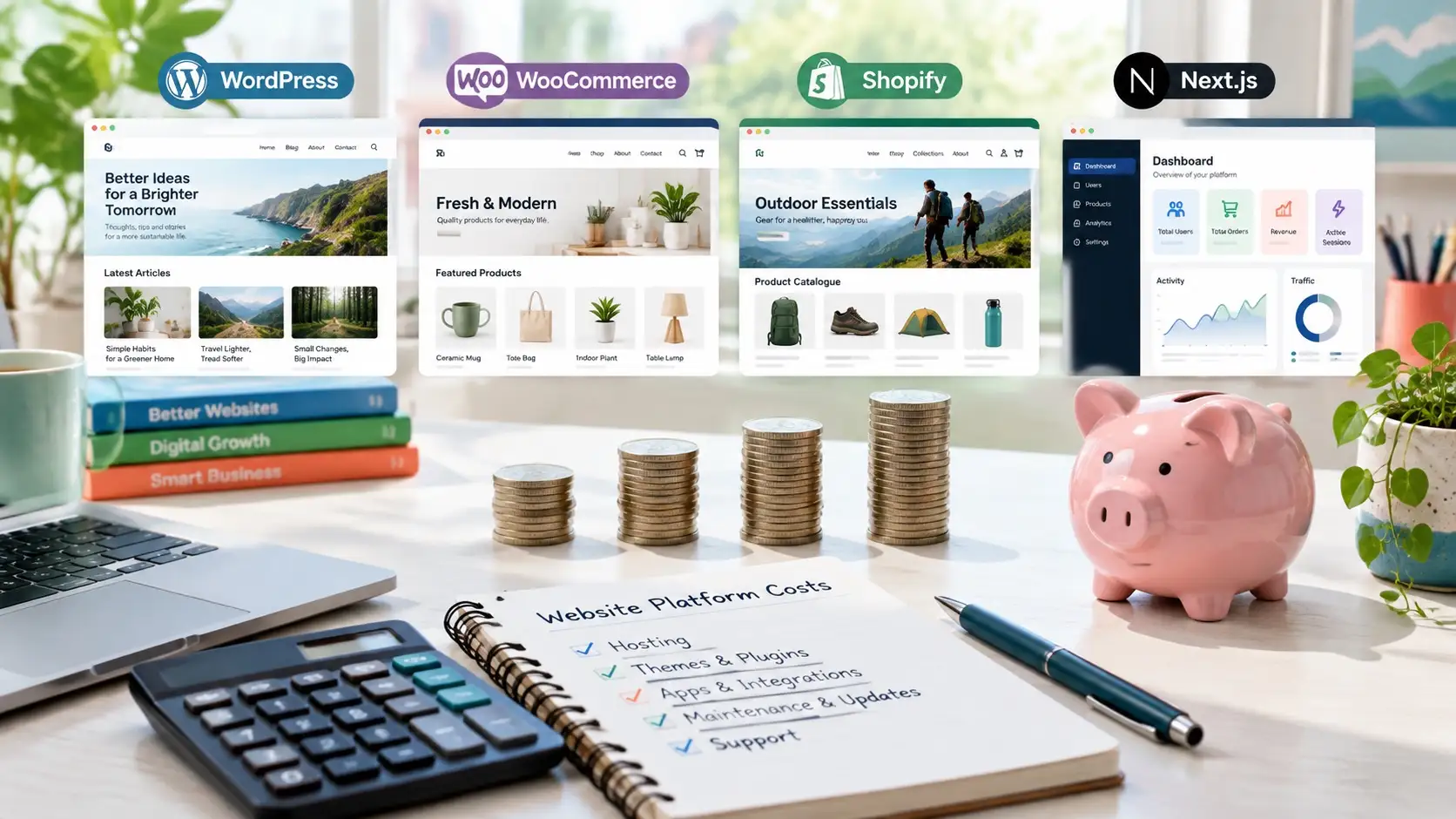
Budget for ongoing hosting, subscriptions, extensions and support, not just launch.
Our own website packages start at $50/month for Basic (setup fee $30), $75/month for Starter (setup fee $50), $100/month for Growth (setup fee $70). Custom projects start from $499. See current pricing for inclusions. These subscription plans are separate from third-party Shopify fees and individually scoped React/Next.js projects.
Over three years, running costs often matter more than the build. Budget for:
- WordPress: design and build, hosting, a premium theme or page builder licence, a few paid plugins, and maintenance.
- WooCommerce: everything WordPress needs, plus stronger hosting, payment gateway fees and paid extensions for shipping, subscriptions or bookings.
- Shopify: design and build, a monthly plan, paid apps, and payment processing fees.
- React/Next.js: a larger upfront development budget, hosting (often low for static or cached pages), a headless CMS if needed, and developer time for changes.
A 7-question checklist for choosing your platform
Answer these honestly and the right platform usually becomes clear:
- Are you mainly selling products, or selling services? Products lean towards Shopify or WooCommerce; services lean towards WordPress.
- How often will you publish new content? Weekly publishing favours WordPress or a headless CMS with Next.js.
- Do you need custom features such as logins, dashboards, calculators or large searchable databases? If yes, consider Next.js.
- Who will maintain the site? If no one on your team will handle updates, choose Shopify or budget for a maintenance plan.
- Which markets and languages do you serve? Check the payment, language and privacy needs listed above.
- What is your three-year budget, not just your launch budget? Include subscriptions, apps, plugins and maintenance.
- Which systems must the site connect to? CRMs, ERPs and booking tools may need custom work, which our automation and workflow solutions and IT consulting and support teams handle.
For agencies: platform-agnostic white-label development
Many of our projects come from agencies in the US, UK, Canada and Australia that need a reliable development team behind their brand. Learn how our white-label development services work, and read our guide on how to choose a white-label development partner.
How Stack Decode Web and IT Solutions helps you choose and build
We don’t push one platform. We start with your goals, budget, market and team, then recommend the platform that fits, and explain the trade-offs in plain language. From there our web design and development team handles strategy, UI/UX and graphic design, development, launch and ongoing support.
To see the range of what we’ve built, browse our work, or read more about Stack Decode Web and IT Solutions.
Frequently Asked Questions
Is WordPress or Shopify better for a small business?
It depends on what you sell. For a service business that wins clients through content, WordPress is usually better. For a small product brand that wants to sell quickly without managing hosting, Shopify is usually easier. If you want both strong content and a store on one site, WooCommerce is a good middle ground.
Is Next.js better than WordPress for SEO?
Neither is automatically better. Next.js makes it easier to achieve very fast load times and fine technical control, while WordPress makes it easier for non-developers to publish and optimize content. A well-built site on either can rank well.
Which platform is cheapest to run?
A simple WordPress or static site usually has the lowest running cost. Shopify costs more each month but includes hosting and security. Next.js can be cheap to host but more expensive to change.
Do you work with businesses outside India?
Yes. We serve clients in more than 25 countries, including the USA, UK, Canada, Australia and the UAE, and we work as a white-label partner for overseas agencies.
Ready to choose the right platform?
The right platform is the one that fits your business today and still fits it three years from now. If you’d like a straight recommendation for your project, contact our team and tell us what you’re building. We’ll tell you which platform we’d use, why, and what it will cost.